In a recent post I gave you some background about the new webstore we’re developing for NGS members. In this update I’m going to dive in a bit deeper; hopefully when we are able to go live with the shop you’ll be familiar with the look and feel of it and be able to make your purchases more easily. Here I’ll give you a flavour of the shop landing page, category and product pages.
Shop landing page
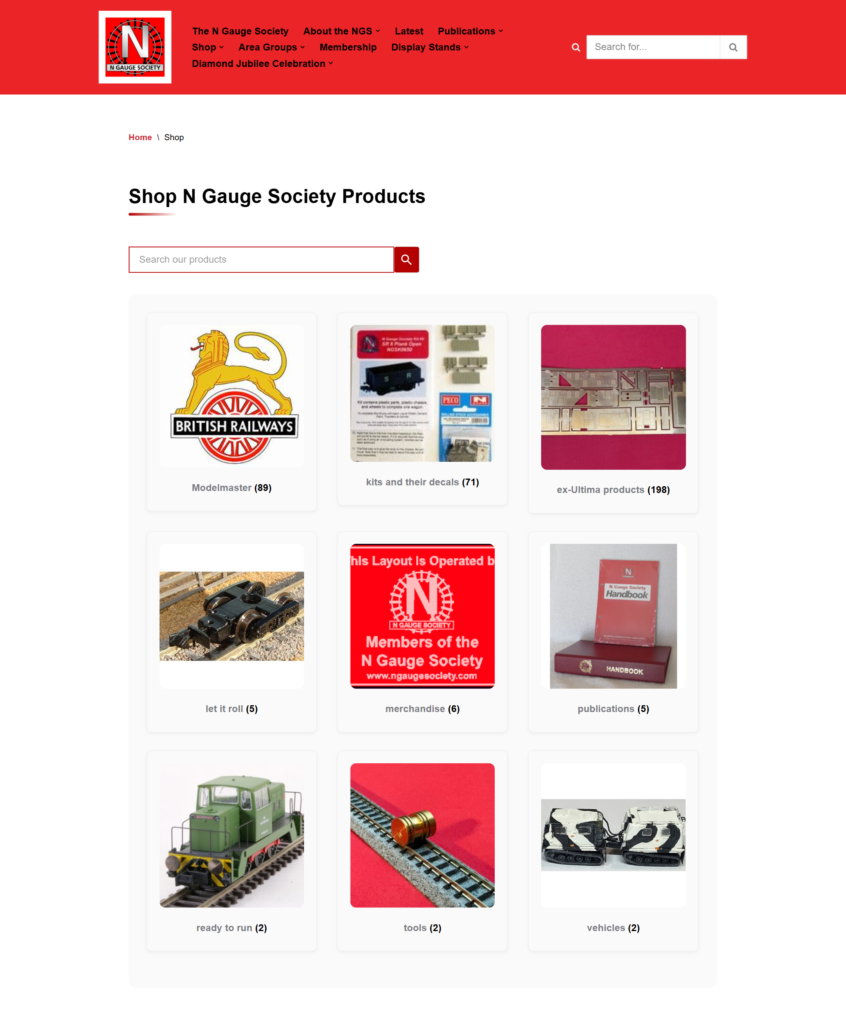
When we make the shop visible the shop’s landing page will show you the various categories you can explore by clicking on the image. There’s also a search tool if you’re after something specific.
The shop will be fully visible to non-members as we’re obviously keen that we showcase everything that the Society has to offer. However, purchasing* will only be available to paid-up-members.
*with the exception that purchasing NGS membership will, of course, be available to non-members.
Category pages
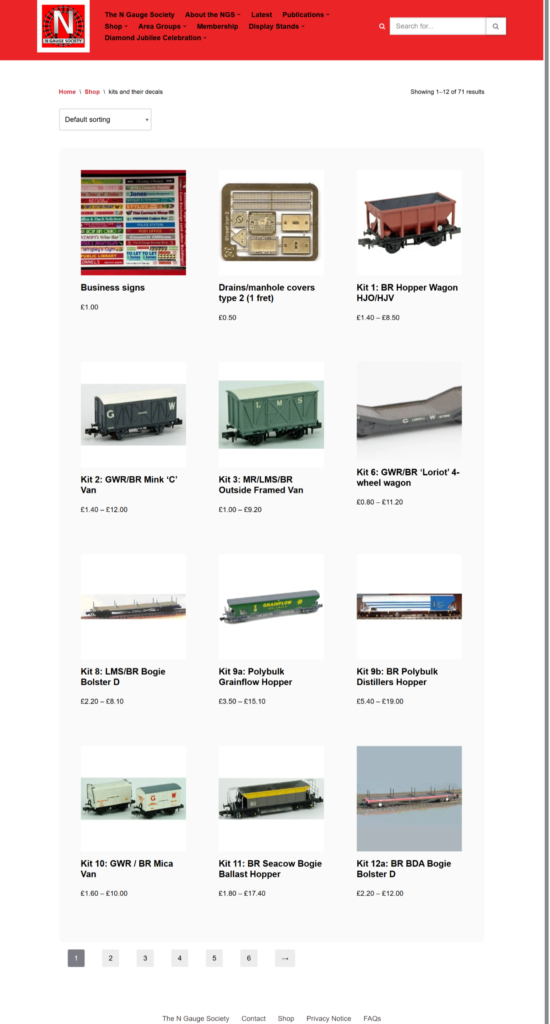
Depending on the complexity of each category’s products you’ll either see a list of products, or if the category is extensive, then I’ve subdivided it into further categories; the ex-Modelmaster range is one example of this.
The image below shows the “Kit’s and Decals” category, where you can see the products set out in numerical order (Kit 1 to Kit 80. Again, if you want to look at a particular product just click on its image or title.
Product pages
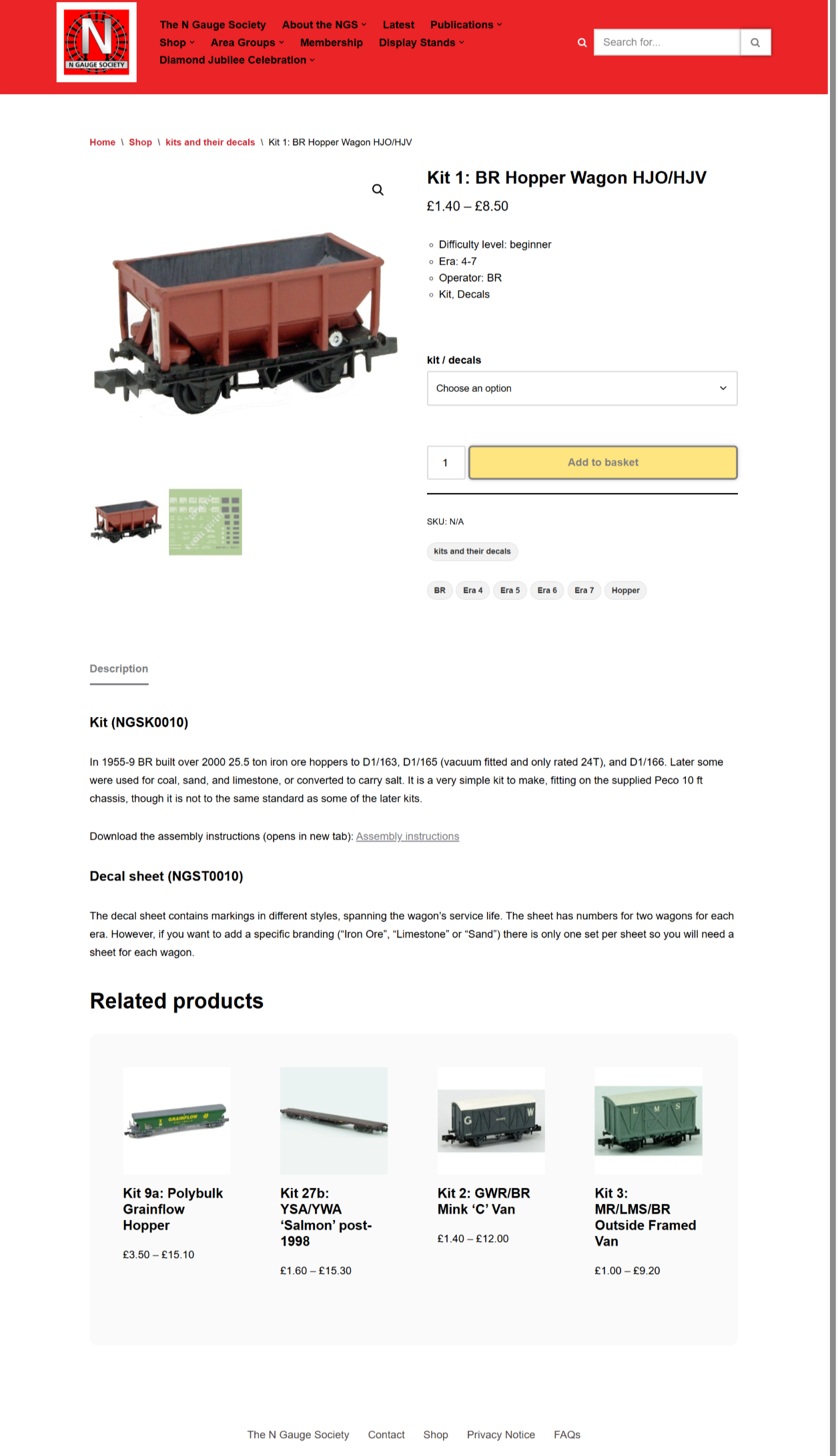
This is where I’ve tried to make life easier for everyone by bringing the kits and their decals together on one page. You’ll also find any relevant information about the kit and it’s prototype, along with a download link for the instructions.
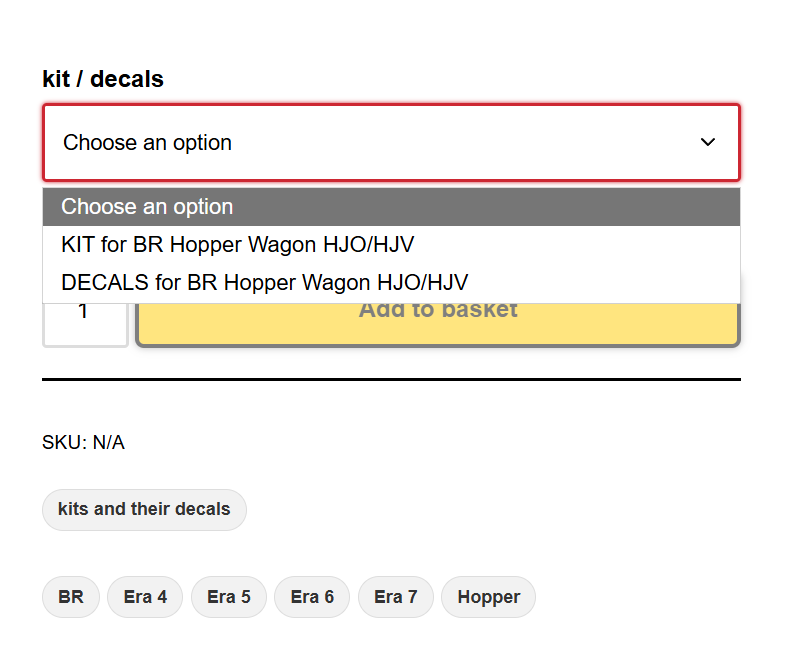
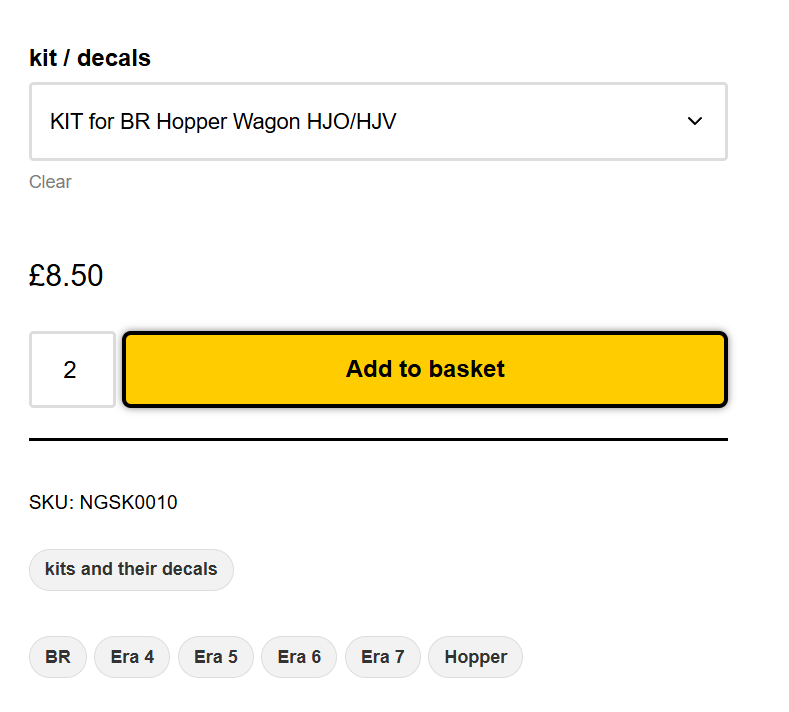
When you wish to select a product all you do is click on the “Choose an option” box and pick from the drop down; in this case we’ll be choosing either the Hopper Wagon or it’s Decal sheet.
When you’ve selected your product the unit price is shown (excluding P&P). The “Add to basket” button also changes colour, prompting you to click on it. You also chose the quantity you want; in this example I’ve gone for “2”.
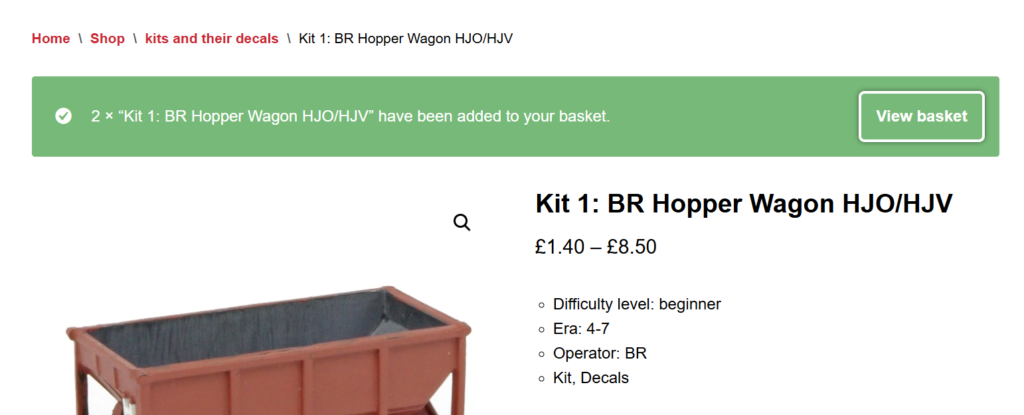
Once you’ve clicked on the “Add to basket” button a confirmation message will appear at the top of the page. You can then either continue shopping, e.g. purchase the decals, navigate to another product page or you can “View basket” as a prelude to moving towards the “Checkout”.
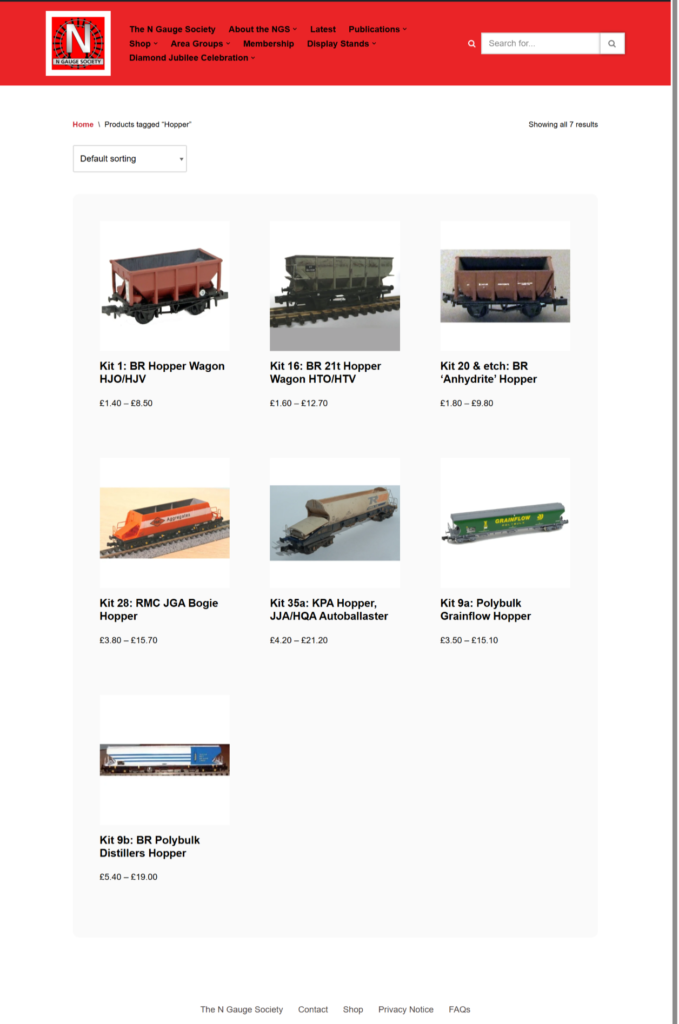
For each product I’ve listed the tags that apply to it, e.g. era, wagon type, company. If you want to explore more products using a particular tag, just click on it and a page of results will appear.
In this example I chose to click on the “Hopper” tag and got the following results back. Where necessary the results will be paginated.
Please note, I’ve used all the same tags we use at present, so if one is incorrect…it has been for some time! I’ll be happy to adjust them once the shop goes live.
That’s all folks…for now!
Well, that’s probably a lot to digest in one post. But I thought it’d be helpful to share some of the progress with you. Hopefully you’ll see it as intuitive and similar to many other shopping sites you may have visited.
You may have spotted that I didn’t touch on kit discounts. For technical reasons these now appear dynamically on the “Basket” page and I’ll be going into that in my next post where I’ll talk about Discounts and P&P.
So, what’s left to do? If you believe the hype around setting-up online stores then you might believe “not much”. However, as a membership organisation we only sell to our members. The next – TBH quite large – phase of work is for me to figure out the member sign in model that we’ll be using. That will also unlock a lot of the digital transformation work that we want to do for the Society.
For now I’d like to wish you all “Happy Modelling” and some slightly less intense weather!
Andy – The NGS Webmaster